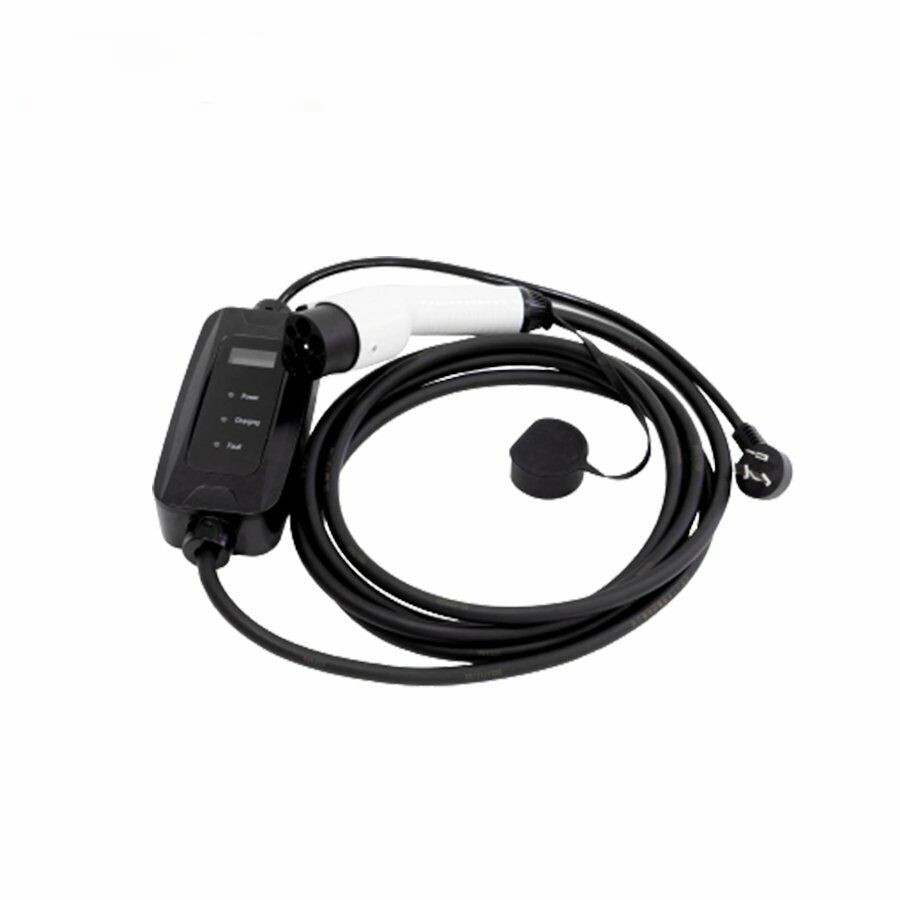
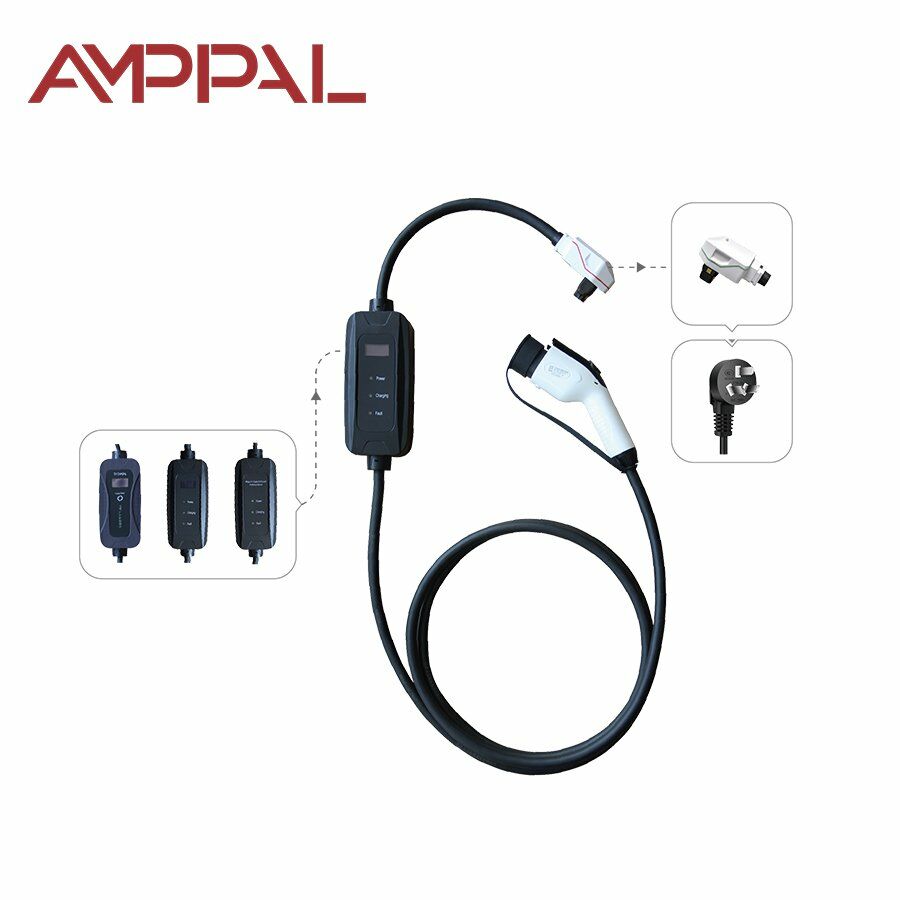
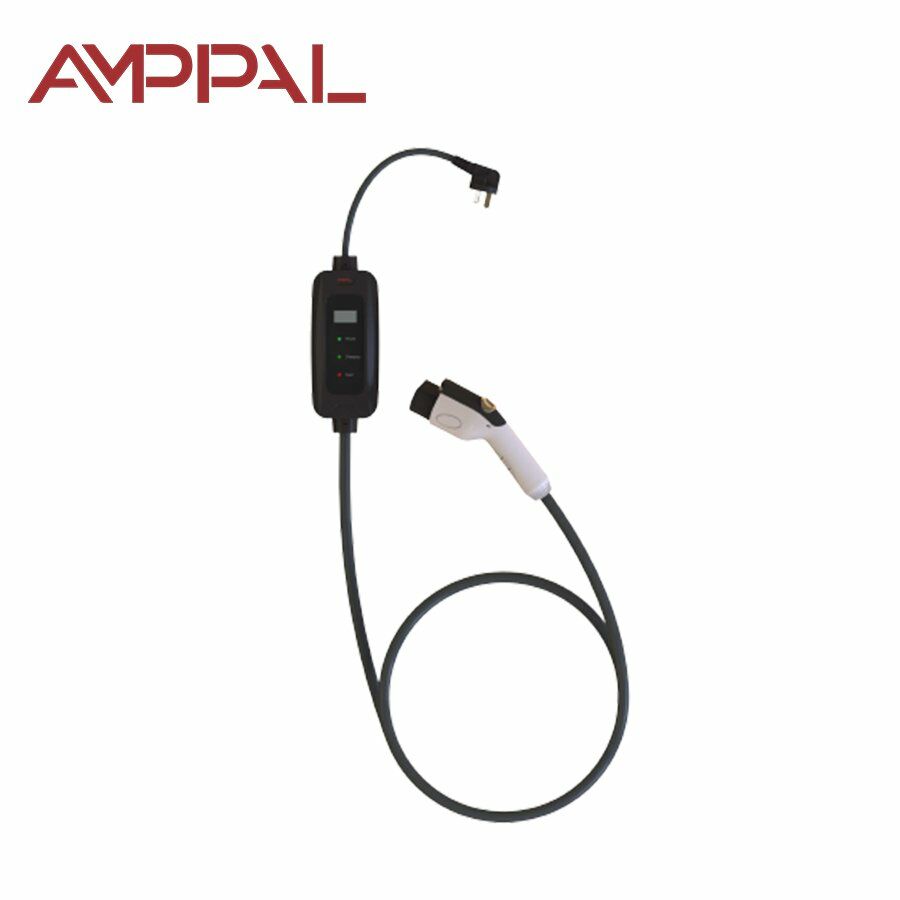
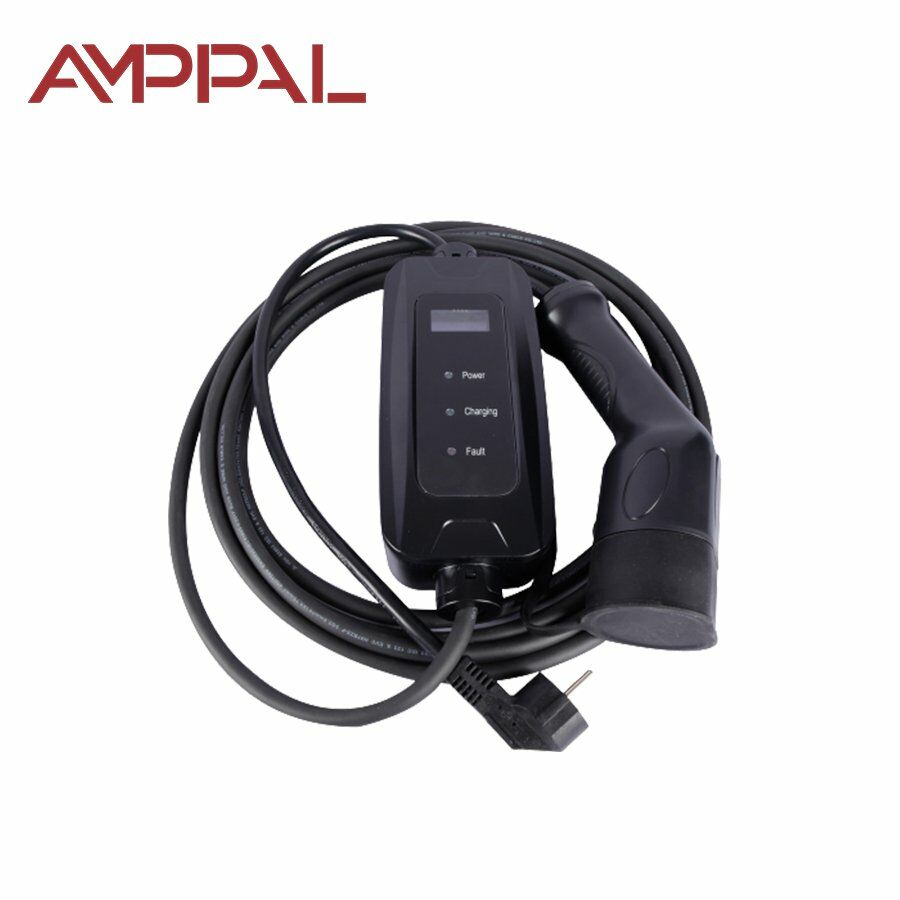
Material ohišja: termoplast, zaviralec gorenja UL94 V-0Temperatura delovnega okolja: -30 ℃ do+50 ℃Nazivni delovni tok: 16 A/32 ADelovna napetost: 220 V ± 20%Izolacijska upornost: > 1000 MΩ (DC 500 V)
Model
AF-AC-3.5 kW
AF-AC-7 kW
Nazivna moč
3,5 kW (nastavljivo)
7 kW (nastavljivo)
Nazivni tok
16 A (nastavljivo)
32 A (nastavljivo)
Dolžina kabla
5 m (opcijsko)
Teža naprave
2,1 kg
Vhodna napetost
AC 220 V ±20%, L + N + PE
Vhodna frekvenca
50 ±10 Hz
Izhodna napetost
Izolacijska upornost
> 10 MΩ
Kontaktna upornost
≤ 0,5 mΩ
Sila vstavljanja in izvleka
≤ 100 N
Uporabniški vmesnik
LCD zaslon
Način polnjenja
Priključi in polni / Časovnik
Način plačila
/
Način delovanja
Način povezovanja
Skladnost s standardi
IEC 62752:2016
Delovna temperatura
-30 °C do +50 °C
Delovna nadmorska višina
≤ 2500 m
Delovna vlažnost
5%–95% brez kondenzacije
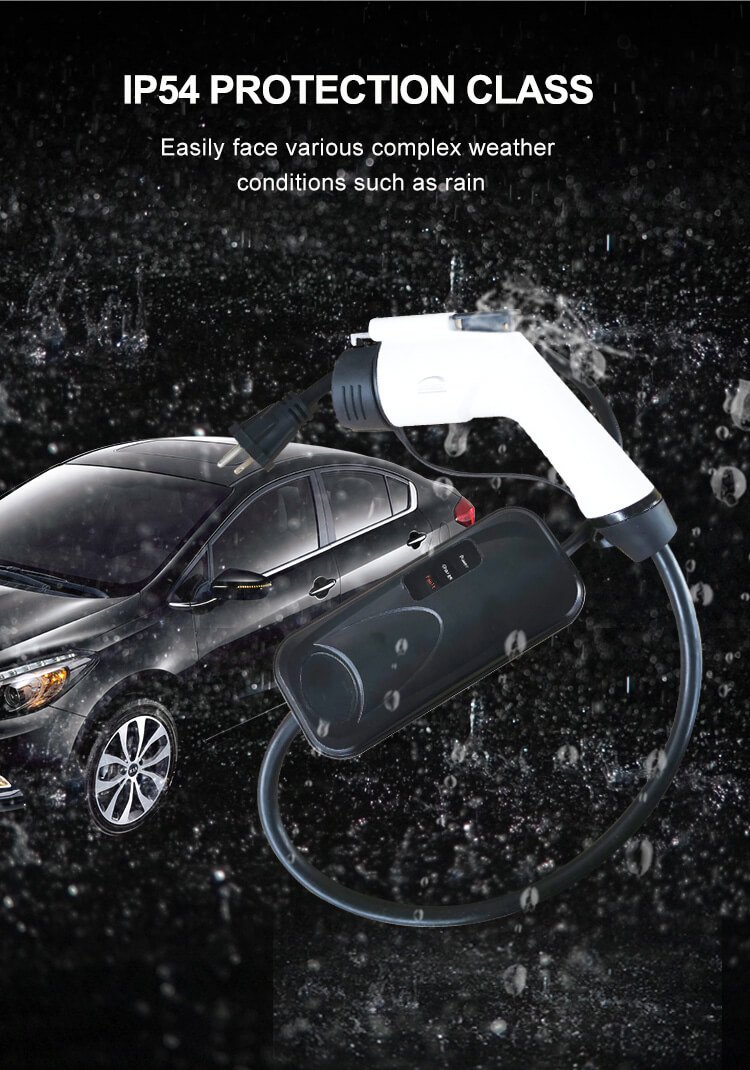
Stopnja zaščite
IC-CPD IP67, priključek vozila IP54
Temperatura skladiščenja
-40 °C do +80 °C
Relativna vlažnost
5%–95% RH
Ime podjetja (pustite prazno, če ne zastopate podjetja)
Z oddajo tega obrazca se strinjate z našo
Politiko zasebnosti
+386 69 842 848
%20(1).png)
.png)