Back

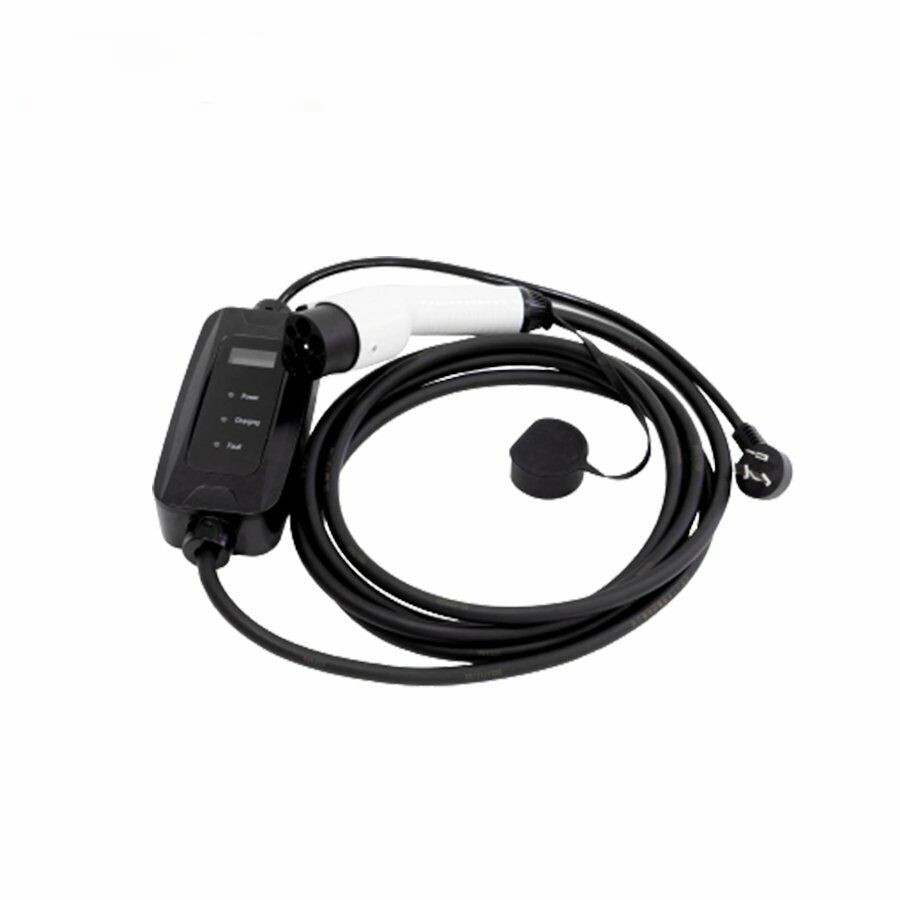
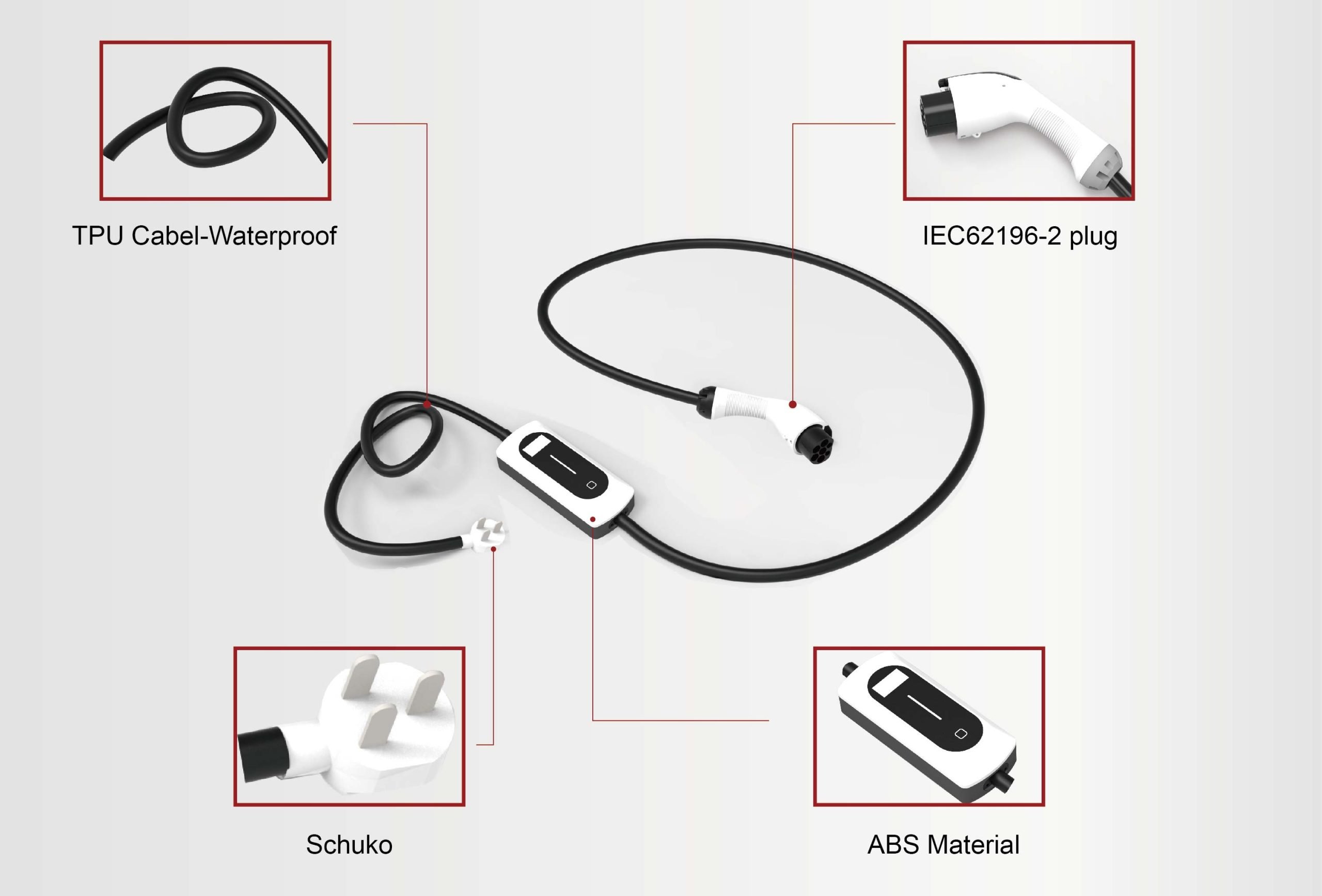
AMPPAL 3.5/7kW Portable AC Charging Station Box

No items found.

AMPPAL 3.5/7kW Portable AC Charging Station

  • Housing material: thermoplastic, flame retardant grade UL94 V-0
  • Terminal: Copper alloy, silver plated on the surface
  • Working environment temperature: -20℃ ~+50℃
  • Rated working current: 16A/32A
  • Working voltage: 250V
  • Insulation resistance: >1000MQ(DC500V )
Model No. AF-AC-3.5kW AF-AC-07kW
Specification Rated Power 3.5 kW 7 kW
Charging Device Rated Current 16 A 32 A
Cable Length 5 m (optional)
Equipment Weight 2.1 kg
Electrical Indicators Input Voltage AC 220V ±20%; L + N + PE
Input Frequency 50 ±10 Hz
Output Voltage AC 220V ±20%; L + N + PE
Insulation Resistance ≥10 MΩ
Contact Resistance ≤0.5 mΩ
Insertion & Extraction Force ≤100 N
Functional Design HMI LED indicator strip
Charging Mode
Mode of Payment
Charging Method Plug & Charge
Operation Mode
Networking Method
Safety Design Operative Norm IEC 62752:2016
Environmental Indicators Working Temperature -20 ~ +50°C
Working Altitude ≤2000 m
Working Humidity 5%–95% non-condensing frost
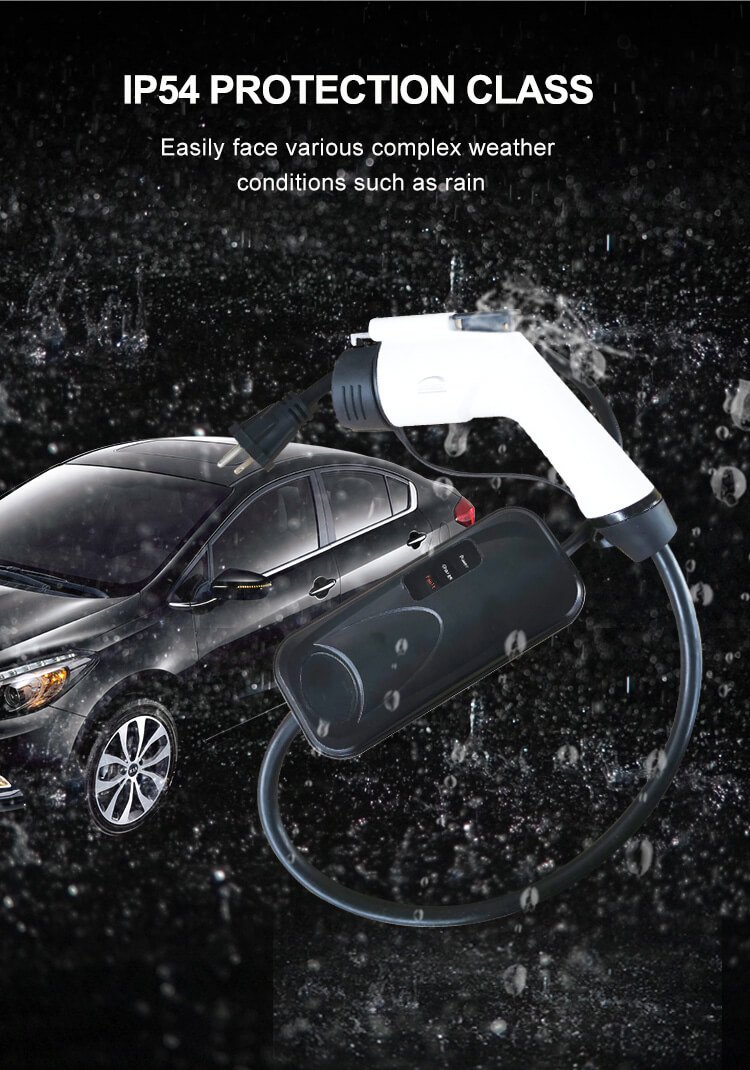
Ingress Protection IC-CPD IP67; Vehicle Connector IP54
Operating Temperature -30 ~ +55°C
Storage Temperature -40 ~ +80°C
Operating Humidity 5%–95%

Check the packing box for the following items before installation (subject to the packing list)

  • Wall mounted AC charging station(1 set )
  • Installation instructions (1 set)  
  • 1 piece of certificate of quality
  • Install expansion screws (4 pieces)

Installation Environment Requirements

  • The Ingress Protection of this series EV AC charging station: IP54;
  • Ambient temperature:-20℃ ~+50℃.
Common Malfunctions Troubleshooting / Method of Exclusion
When the connector is inserted, the interface does not show a connection or the message “Please start charging by swiping your card.” Verify the connector is fully inserted and the lock is engaged. Ensure a secure connection between the connector and the vehicle.
After swiping the card to start charging, the session stops by itself after a while. This is usually a communication issue. Note any error message, try another connector, and if it persists report it to the manufacturer.
Connector remains locked after charging (locking issue). Complete settlement using the same card that started the session. If it remains locked, use that terminal to unlock after settlement or contact service.
“Jumping gun” (intermittent disconnection) during charging. Ensure the IC card has sufficient balance before starting. If balance becomes insufficient during charging, the session will terminate automatically.
After charging, the connector is locked and cannot be removed. Try starting a short charging cycle and then stop to trigger release. If it still won’t unplug, contact the manufacturer for maintenance.
Ammeter does not display current after starting charge. Check the meter wiring for reversed phase/neutral or other miswiring and correct it if necessary.
Display does not light up after power on. If LEDs show power but the display remains blank, replace the display module.
Grounding abnormality / not grounded. Verify proper grounding. With correct earth connection: (1) when the connector is absent the 12V auxiliary indicator should be blue; (2) when inserted the 6V auxiliary indicator should be green.

Maintenance And Preservation Of EV AC Charging Station

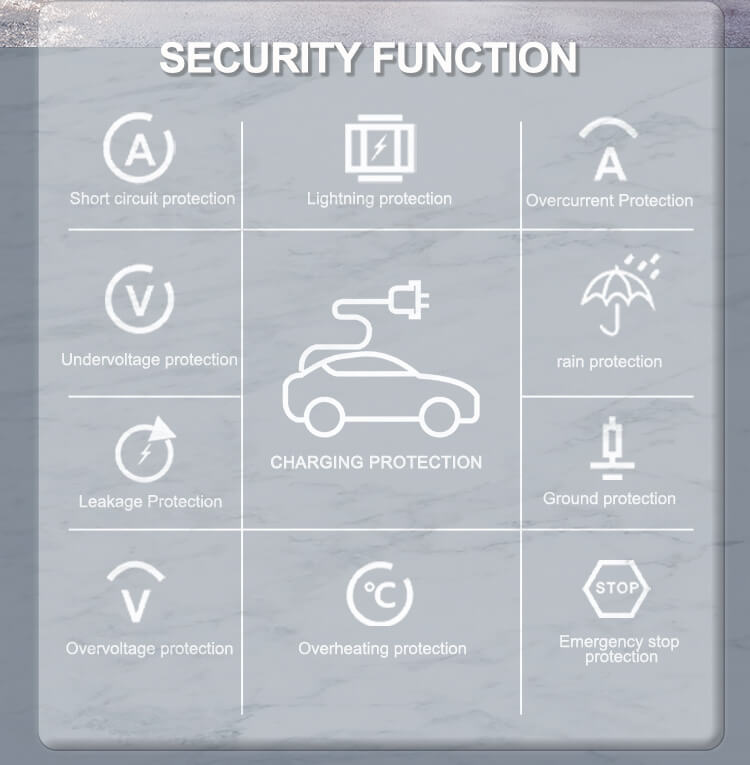
    • Provide shading and rain protection for charging stations; for outdoor installations, it’s recommended to use a canopy.
    • Regularly inspect all bolts for tightness. Ensure terminals/connectors are secure, check for loose wires, and look for any signs of short circuit.
    • Pay attention to lightning protection; maintain effective shielding and reliable grounding of the charging station.
    • During operation, keep the charger’s output voltage and current within the nominal range to ensure maximum efficiency.
    • When the unit is not in use: first stop the charging output, then wind the cable and return it to its holder.
    • Note (transportation & handling):
      • Pack the charging station securely and clearly mark the loading/unloading orientation.
      • Do not store or transport the unit upside down.
      • Use proper tie-downs; avoid strong vibrations and impacts that could damage the outer packaging.
  • Back

    Contact for Services

    By submitting this form, you agree to our Privacy Policy
    Thank you!
    We will respond to you as soon as possible
    An error occurred. Please try again later or contact us via email or phone.